M&A Customer & Account Data Analysis Agent

Find Every Data Problem Before the Deal Closes

Analyze acquired customer and account data for exceptions, compliance flags, and ownership overlaps before core conversion, producing dashboards and workfiles that let your team fix problems on your timeline, not the regulator's.

150+
Institutions Trust Uptiq

Automate M&A Customer and Account Data Review

Replace manual spreadsheet reviews and last-minute compliance surprises with a structured data analysis workflow that ingests the acquired extract, identifies every exception category, and delivers prioritized workfiles ready for your remediation team, weeks before conversion day.

Extract Ingestion & Exception Detection

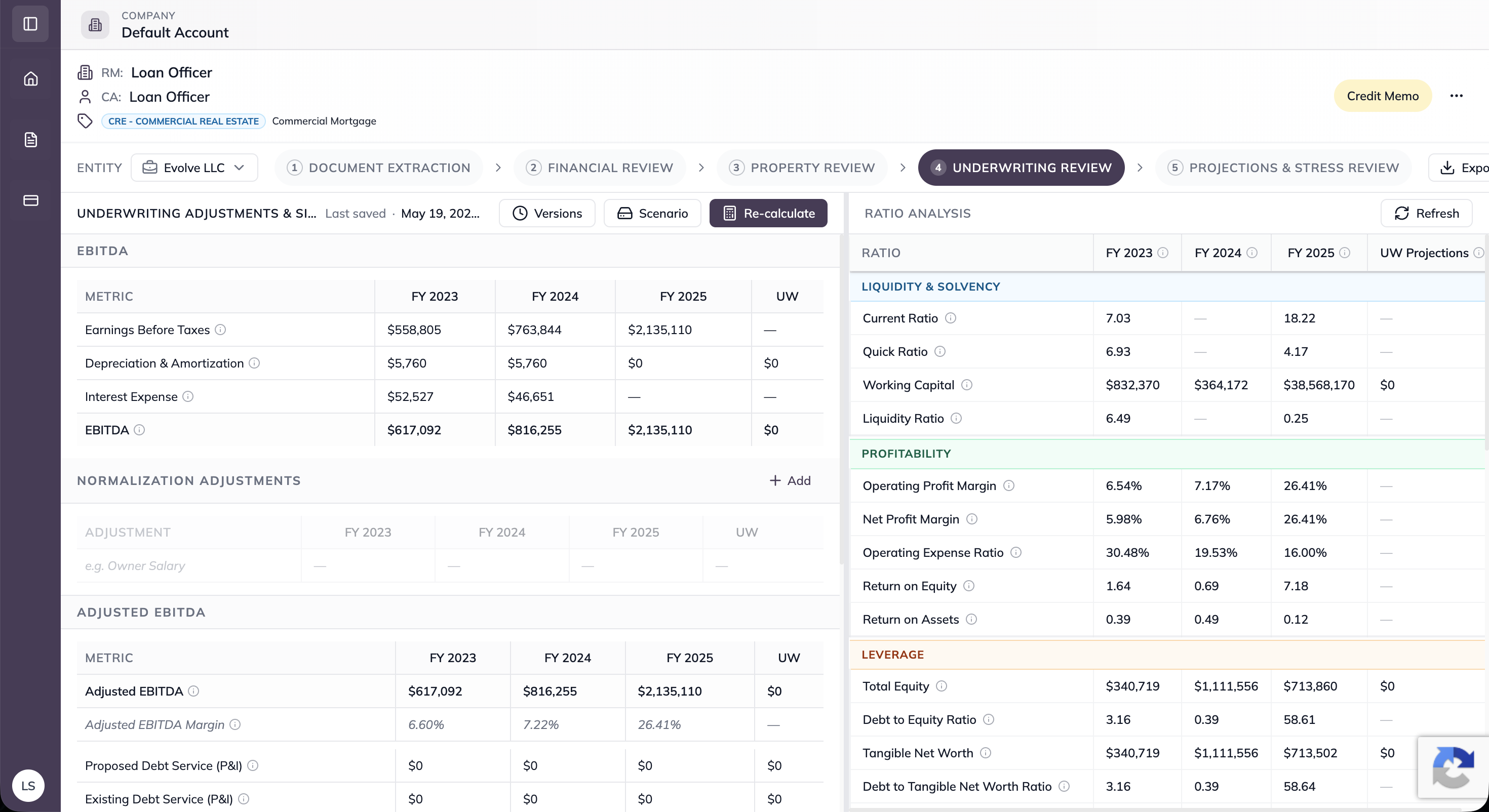
Ingests the acquired institution's full customer and account extract in CSV or XLSX format, applies validation rules, and automatically identifies and categorizes data-quality exceptions, duplicates, missing required fields, anomalous balances, and records flagged for further review, without writing to any live system.
Ingests and validates the acquired customer/account extract (CSV/XLSX)
Detects and categorizes duplicates, missing fields, and anomalous balances
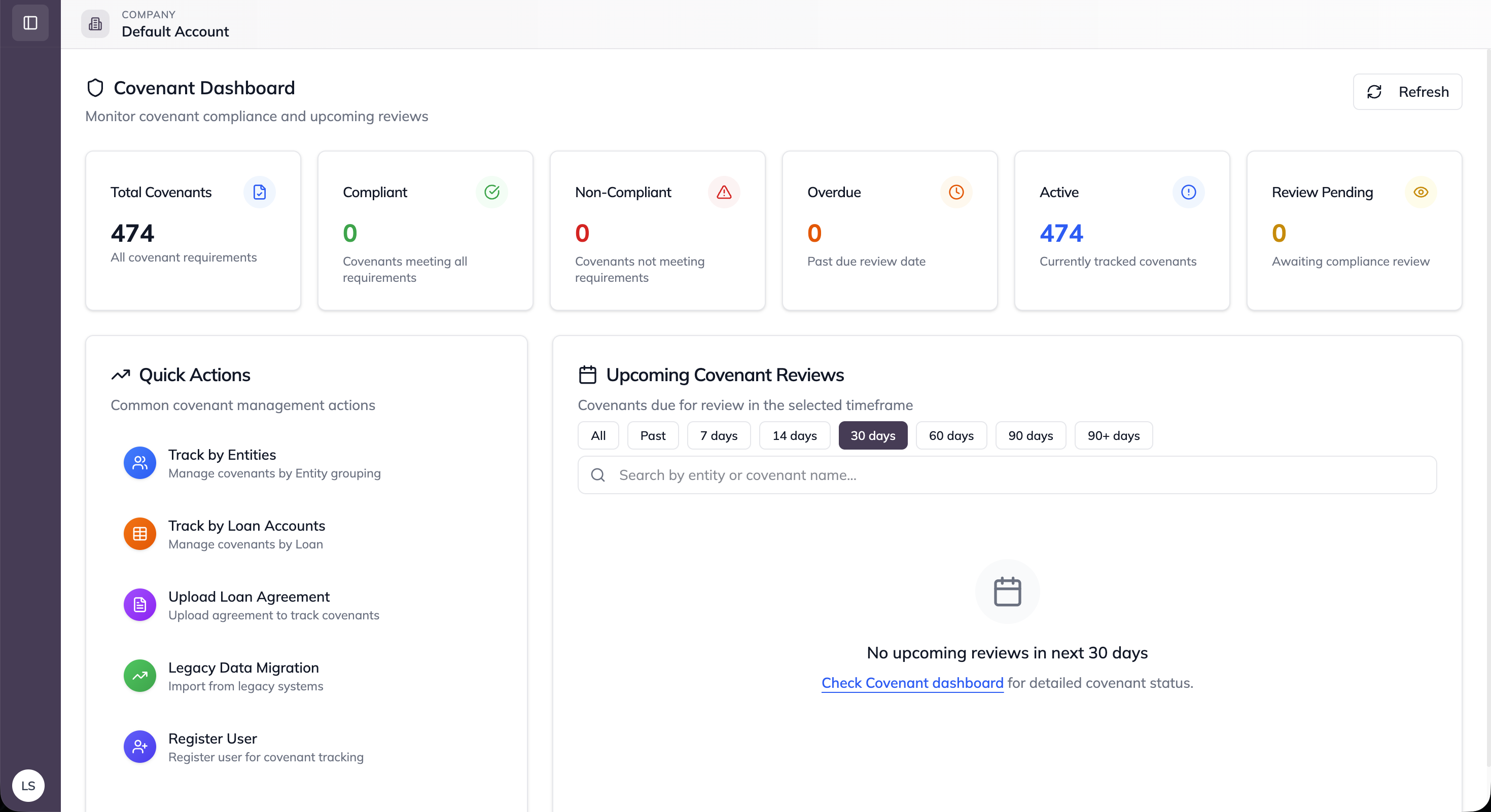
Builds a count-based exception dashboard with per-category record drill-down

Compliance Flag Prioritization

Screens every record against high-priority compliance categories: PEP, FEP, MSB, and MRB designations, and runs obituary checks on elderly account holders to identify potentially deceased customers ahead of conversion. Cross-references the acquired base against the acquirer's existing customer population to surface ownership overlaps that require merged file treatment.
Identifies PEP, FEP, MSB, and MRB accounts for enhanced due diligence review
Runs obituary checks on elderly holders and flags potentially deceased candidates
Cross-references against the acquirer's base to produce an overlap match list

Remediation Workfile Export

Packages every flagged record into structured Excel and CSV remediation workfiles organized by exception type, so the integration team can act immediately without additional data preparation. Every detection decision is logged to a full audit trail that supports integration governance documentation and post-conversion regulatory review.
Exports Excel/CSV remediation workfiles organized by exception category
Produces a priority compliance-flag list and a shared-customer match list
Maintains a full audit log of every detection decision for integration governance

What Integration Teams See in Practice

Weeks Earlier

Exception Discovery

Identify data and compliance issues early, before migration and conversion begin.
0 Core Writes

Read-Only Analysis

Analyze and validate data without modifying live core banking systems.
100% Traceable

Audit-Ready Records

Maintain complete traceability for every exception, decision, and compliance review.

Works Seamlessly with the Rest of Your Stack

KYC/CDD/EDD (Ongoing) Agent

Automates ongoing due diligence and continuous customer risk monitoring.
Explore
Link Arrow

KYC/KYB Compliance Monitoring Agent

Monitors KYC/KYB outcomes and surfaces compliance insights with AI summaries.
Explore
Link Arrow

Integration

Connects seamlessly with lending, servicing, and operational platforms.
Explore
Link Arrow

Documents Supported

Extracts and analyzes information from financial and supporting borrower documents.
Explore
Link Arrow

Frequently Asked Questions

What is the Uptiq M&A Customer & Account Data Analysis Agent?

How does the agent support pre-conversion due diligence?

Which compliance categories does the agent screen for?

How does the agent handle ownership overlap detection?

How long does deployment take?

Is the agent secure and compliant with data-handling requirements?

How is this different from a manual data review or an integration consultant's spreadsheet process?

Ready to deploy the M&A Customer & Account Data Analysis Agent?

Our team handles deployment end-to-end, from configuration to go-live. Most financial institutions are live within days, and not months.

File
Download the technical brief
Security Icon
Watch the 4-minute product tour
Stack Icon
Read the deployment guide
Uq CTA Gu
Cta Top